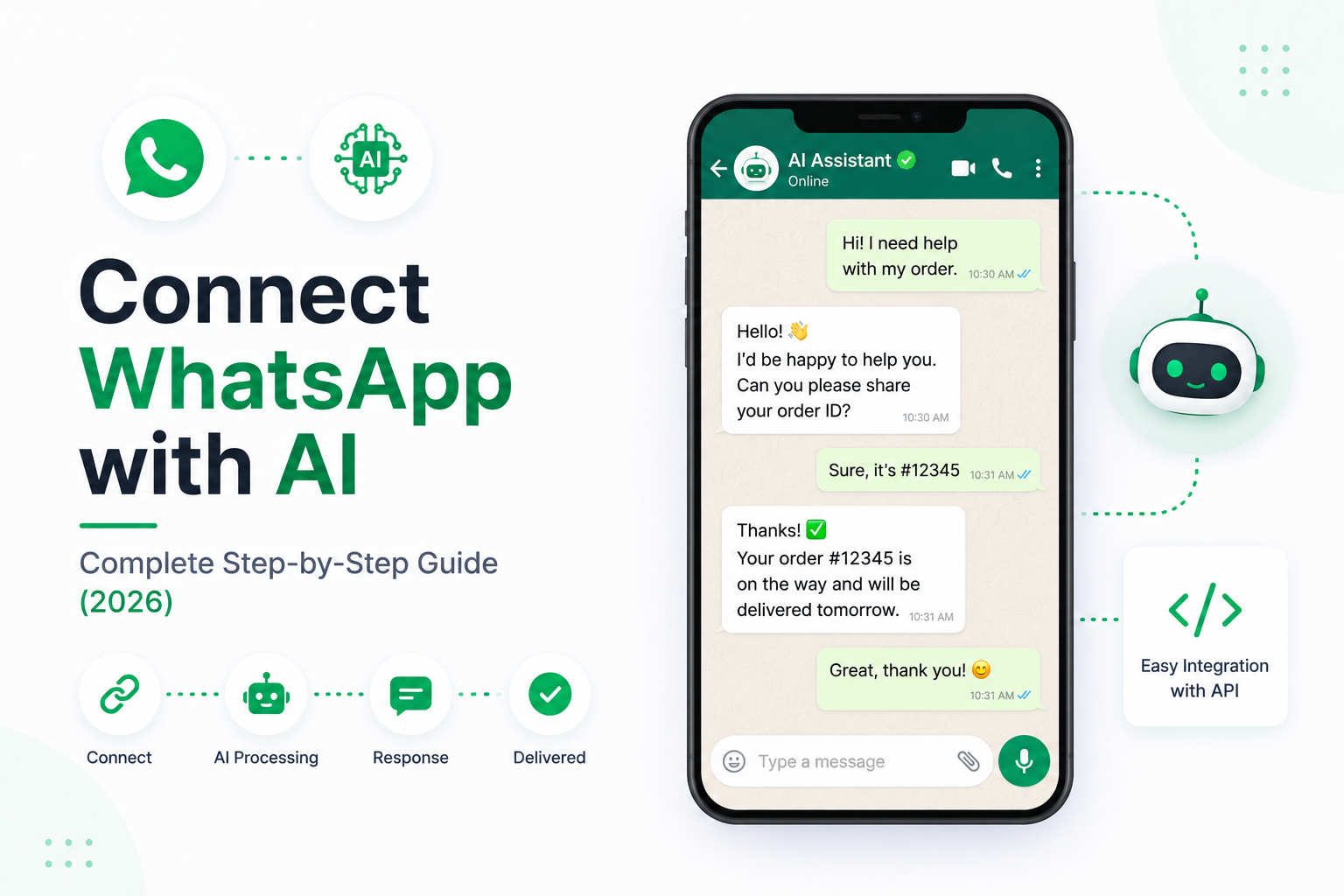
Connect WhatsApp with AI: Complete Step-by-Step Guide (2026)
WhatsApp has become one of the most widely used communication platforms for businesses worldwide. Customers expect instant replies, personalized assistance, and support that's available around the clock.
Instead of manually responding to every message, businesses are increasingly connecting WhatsApp with Artificial Intelligence.
An AI-powered WhatsApp Assistant can answer customer questions, qualify leads, schedule appointments, retrieve information, and automate business workflows—all through a familiar chat interface.
In this guide, you'll learn how to connect WhatsApp with AI, understand the system architecture, integrate business tools, and build a production-ready AI assistant.
---
Why Connect WhatsApp with AI?
Businesses receive hundreds or even thousands of WhatsApp messages every day.
Common requests include:
- Product inquiries
- Order status
- Appointment booking
- Pricing questions
- Technical support
- Business information
- Lead generation
- Customer feedback
Handling these conversations manually becomes expensive and difficult as the business grows.
AI automates these repetitive interactions while providing fast and consistent customer support.
---
What Can an AI WhatsApp Assistant Do?
A modern AI assistant can:
- Answer customer questions
- Recommend products
- Track orders
- Book appointments
- Collect customer information
- Generate quotations
- Update CRM systems
- Schedule meetings
- Escalate conversations to human agents
Instead of functioning like a simple chatbot, it becomes an intelligent AI Agent capable of completing real business tasks.
---
System Architecture
A typical AI-powered WhatsApp solution looks like this:
Customer
↓
↓
WhatsApp Business API
↓
Webhook Server
↓
Python Backend
↓
Large Language Model
↓
Business Tools
↓
Database
↓
Response Sent to Customer
Each component has a specific responsibility, making the system scalable and maintainable.
---
Step 1: Create a WhatsApp Business Account
To automate conversations, businesses need access to the WhatsApp Business Platform.
This allows applications to send and receive messages securely through APIs.
Before development begins, ensure your business account is properly configured and verified according to WhatsApp's requirements.
---
Step 2: Configure a Webhook
Whenever a customer sends a message, WhatsApp forwards that message to your backend using a webhook.
The webhook acts as the entry point for your AI application.
Its responsibilities include:
- Receiving incoming messages
- Validating requests
- Extracting customer information
- Forwarding messages to the AI system
---
Step 3: Build the Backend
The backend manages all AI processing.
It is responsible for:
- Receiving webhook events
- Managing conversations
- Calling the AI model
- Accessing business tools
- Returning responses
- Logging activity
Python frameworks such as FastAPI or Flask are commonly used for this purpose.
---
Step 4: Connect an AI Model
Your backend communicates with a Large Language Model (LLM).
Popular choices include:
- OpenAI
- Anthropic Claude
- Google Gemini
- Llama
- DeepSeek
- Mistral
The selected model interprets customer messages and generates intelligent responses.
---
Step 5: Add Conversation Memory
Memory allows the assistant to remember previous interactions.
Examples include:
- Customer names
- Previous purchases
- Ongoing conversations
- Appointment history
- User preferences
Without memory, every message appears to come from a new customer.
---
Step 6: Integrate Business Knowledge with RAG
Customers often ask questions that require company-specific information.
Using Retrieval-Augmented Generation (RAG), the AI can search:
- Product Documentation
- Pricing Information
- Shipping Policies
- Return Policies
- Internal Knowledge Base
- FAQs
Instead of guessing, the AI retrieves accurate information before generating a response.
---
Step 7: Connect External Tools
A powerful AI Agent performs actions, not just conversations.
Examples include:
- Check order status
- Create support tickets
- Update CRM records
- Book appointments
- Send invoices
- Generate quotations
- Schedule meetings
- Retrieve customer history
Tool integrations make WhatsApp far more useful for businesses.
---
Step 8: CRM Integration
Many businesses use CRM platforms to manage customers.
The AI Assistant can automatically:
- Create new leads
- Update customer profiles
- Add notes
- Assign sales representatives
- Schedule follow-ups
- Track customer interactions
This eliminates manual data entry.
---
Step 9: Automate Business Workflows
WhatsApp AI can automate complete business processes.
Example:
Customer asks for pricing
↓
AI qualifies the lead
↓
Collects contact information
↓
Stores data in CRM
↓
Schedules consultation
↓
Sends confirmation message
↓
Notifies sales team
The entire workflow runs automatically.
---
Step 10: Human Handoff
AI should not handle every conversation.
The system should transfer chats when:
- The customer requests a human agent.
- The AI has low confidence.
- Sensitive issues arise.
- Complex technical support is required.
- Complaints need manual attention.
This creates a better customer experience.
---
Deployment
Production deployments typically use:
- Docker
- AWS
- Google Cloud
- Azure
- Railway
- Render
- DigitalOcean
Secure hosting ensures high availability and scalability.
---
Security Best Practices
When building a WhatsApp AI solution:
- Protect API keys.
- Verify webhook requests.
- Encrypt customer data.
- Implement authentication.
- Monitor API usage.
- Apply rate limiting.
- Maintain audit logs.
Security is especially important when handling customer conversations.
---
Common Use Cases
Businesses use WhatsApp AI for:
Customer Support
Answer FAQs and resolve common issues instantly.
---
Lead Qualification
Collect customer details and forward qualified leads to sales teams.
---
Appointment Booking
Schedule consultations, demos, and meetings automatically.
---
Order Tracking
Provide shipment updates without human involvement.
---
Product Recommendations
Suggest products based on customer preferences.
---
Internal Employee Support
Employees can request HR, IT, or operational information through WhatsApp.
---
Common Mistakes
Developers often make these mistakes:
- No conversation memory
- Poor webhook validation
- Missing error handling
- Hardcoded API credentials
- Weak prompt design
- No human escalation
- Ignoring analytics
Planning these areas early leads to more reliable systems.
---
Recommended Tech Stack
A production-ready WhatsApp AI solution can use:
- Python
- FastAPI
- OpenAI or Claude
- LangGraph
- Pinecone or Qdrant
- PostgreSQL
- Redis
- Docker
- WhatsApp Business API
- React Dashboard
This stack provides flexibility, scalability, and enterprise readiness.
---
Future Enhancements
As AI continues to evolve, WhatsApp assistants will become even more capable.
Future improvements include:
- Voice conversations
- Multi-Agent collaboration
- Personalized recommendations
- Payment integration
- AI-powered sales assistants
- Predictive customer support
- Autonomous business workflows
Businesses adopting AI today will be better prepared for tomorrow's customer expectations.
---
Final Thoughts
Connecting WhatsApp with AI is one of the fastest ways to automate customer communication and improve operational efficiency.
By combining WhatsApp, Large Language Models, Retrieval-Augmented Generation, CRM integrations, and workflow automation, businesses can deliver faster responses, qualify leads automatically, and provide 24/7 customer support.
Whether you're a startup or an enterprise, an AI-powered WhatsApp Assistant can become a valuable digital employee that improves both customer experience and business productivity.
---
Ready to Build an AI-Powered WhatsApp Assistant?
At WyndrelLabs, we develop intelligent WhatsApp AI solutions tailored to your business.
From AI customer support agents and sales assistants to CRM integrations, appointment booking, RAG-powered knowledge systems, and workflow automation, we build secure and scalable WhatsApp AI solutions that help businesses grow.
Book a free consultation today and discover how AI can transform your WhatsApp communication and automate your business operations.