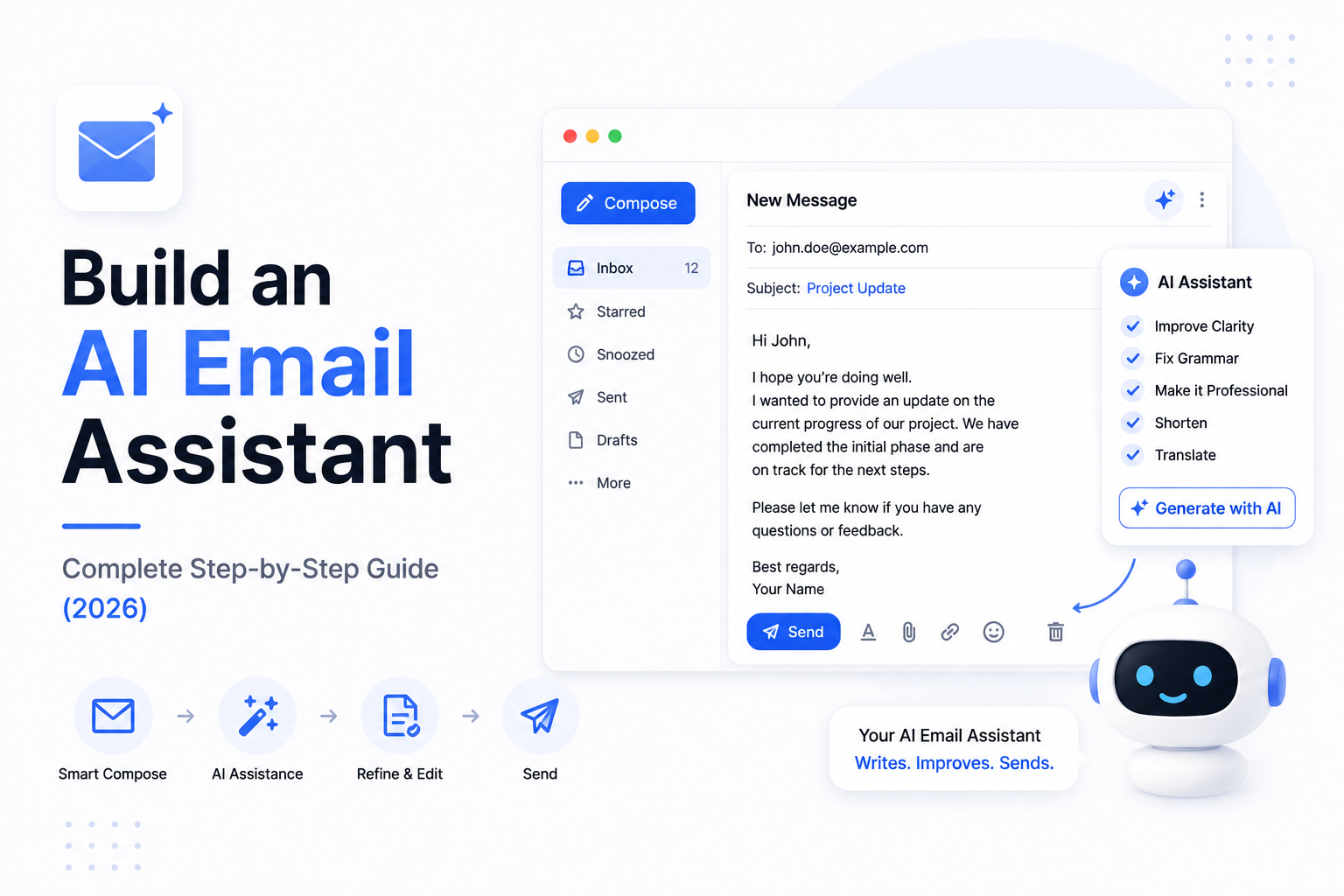
Build an AI Email Assistant: Complete Step-by-Step Guide (2026)
Email remains one of the most important communication channels for businesses. Every day, professionals receive dozens—or even hundreds—of emails that require reading, sorting, responding, and following up.
Managing this manually takes valuable time and often leads to missed opportunities.
An AI Email Assistant helps automate these repetitive tasks while improving productivity and response quality.
In this tutorial, you'll learn how to build an AI Email Assistant that can read emails, summarize conversations, draft replies, categorize messages, integrate with business tools, and automate common workflows.
---
What is an AI Email Assistant?
An AI Email Assistant is an intelligent application that helps users manage emails using Artificial Intelligence.
Instead of simply displaying messages, it can:
- Read emails
- Summarize conversations
- Draft replies
- Categorize messages
- Detect priorities
- Schedule follow-ups
- Extract important information
- Trigger business workflows
It acts as a digital productivity assistant rather than a traditional email client.
---
What Will We Build?
Our AI Email Assistant will be capable of:
- Reading incoming emails
- Understanding email context
- Summarizing long conversations
- Drafting professional replies
- Detecting urgent emails
- Categorizing messages
- Creating CRM records
- Scheduling follow-ups
- Automating repetitive actions
This architecture can be adapted for startups, enterprises, customer support teams, sales organizations, and internal business operations.
---
System Architecture
A production-ready AI Email Assistant follows this architecture:
User
↓
Email Provider
↓
Webhook or Email API
↓
Python Backend
↓
Large Language Model
↓
Business Tools
↓
CRM / Database
↓
Suggested Reply or Automated Action
Each layer performs a specific responsibility, making the application scalable and reliable.
---
Step 1: Connect an Email Provider
The first step is integrating your application with an email provider.
Common options include:
- Gmail
- Outlook
- Microsoft 365
- IMAP-compatible email servers
The application securely retrieves incoming messages for processing.
---
Step 2: Receive Incoming Emails
Whenever a new email arrives, your backend should receive the message through an API or webhook.
The system extracts information such as:
- Sender
- Subject
- Email Body
- Attachments
- Timestamp
- Thread ID
This structured data is then sent to the AI.
---
Step 3: Connect an AI Model
The backend communicates with a Large Language Model (LLM).
Popular options include:
- OpenAI
- Anthropic Claude
- Google Gemini
- Llama
- DeepSeek
- Mistral
The AI analyzes the email and generates intelligent outputs.
---
Step 4: Summarize Long Conversations
Email threads often contain dozens of replies.
Instead of reading every message manually, the AI generates concise summaries.
Example summary:
- Customer issue
- Previous discussion
- Pending action
- Current status
This saves significant time for support and sales teams.
---
Step 5: Draft Smart Replies
One of the most valuable features is automatic reply generation.
The AI considers:
- Conversation history
- Customer intent
- Company tone
- Business policies
It then drafts a professional response that users can review before sending.
Human approval is recommended for important communications.
---
Step 6: Categorize Emails
The AI automatically classifies emails into categories such as:
- Sales
- Customer Support
- Billing
- Marketing
- Internal Communication
- Recruitment
- Technical Issues
- Spam
Automatic categorization improves inbox organization.
---
Step 7: Detect Priority
Not every email requires immediate attention.
The AI identifies:
- Urgent requests
- VIP customers
- Complaints
- Time-sensitive issues
- Payment-related messages
- High-value sales opportunities
Priority emails can be highlighted or routed to the appropriate team.
---
Step 8: Extract Structured Information
Many business emails contain valuable information.
The AI can extract:
- Customer Name
- Email Address
- Company Name
- Phone Number
- Meeting Dates
- Order Numbers
- Invoice Details
This structured data can automatically populate CRM systems or databases.
---
Step 9: CRM Integration
The AI Email Assistant can connect directly with CRM platforms.
It can:
- Create new leads
- Update customer records
- Log email conversations
- Schedule follow-ups
- Assign sales representatives
This eliminates manual CRM updates.
---
Step 10: Workflow Automation
The assistant can trigger automated workflows.
Example:
Customer requests a demo
↓
AI identifies intent
↓
Creates CRM Lead
↓
Schedules Meeting
↓
Sends Confirmation Email
↓
Notifies Sales Team
A complete workflow is executed without manual intervention.
---
Step 11: Add RAG
Businesses often receive emails about internal products or policies.
Using Retrieval-Augmented Generation (RAG), the AI can search:
- Internal Documentation
- Product Manuals
- Knowledge Base
- FAQs
- Company Policies
This ensures responses are based on accurate business information.
---
Step 12: Add Memory
Conversation memory allows the assistant to understand previous interactions.
Examples include:
- Earlier conversations
- Customer preferences
- Previous purchases
- Historical support tickets
Memory creates more natural and personalized email responses.
---
Deployment
Production deployments typically use:
- Docker
- AWS
- Azure
- Google Cloud
- Railway
- Render
- DigitalOcean
Monitoring and secure configuration are essential for business environments.
---
Security Best Practices
Because emails contain sensitive information, security is critical.
Best practices include:
- Encrypt stored data.
- Protect API credentials.
- Verify authentication.
- Implement access control.
- Monitor system activity.
- Log important actions.
- Follow organizational security policies.
Strong security builds trust and protects customer information.
---
Common Use Cases
Businesses use AI Email Assistants for:
Customer Support
Summarize tickets and draft replies.
---
Sales Teams
Identify leads and generate follow-up emails.
---
HR Departments
Manage recruitment emails and interview coordination.
---
Finance
Process invoice requests and payment communications.
---
Executive Teams
Summarize long email threads and prioritize important messages.
---
Internal Operations
Automate repetitive administrative communication.
---
Common Mistakes
Developers often encounter problems such as:
- Poor email parsing
- Missing conversation history
- No human review for sensitive emails
- Weak prompt design
- Ignoring security
- Lack of monitoring
- Over-automation without safeguards
Building with clear workflows and human oversight leads to more reliable systems.
---
Recommended Tech Stack
A production-ready AI Email Assistant can use:
- Python
- FastAPI
- OpenAI or Claude
- LangGraph
- PostgreSQL
- Redis
- Pinecone or Qdrant
- Docker
- Gmail API or Microsoft Graph API
- React Dashboard
This stack provides flexibility for both startups and enterprise applications.
---
Future Enhancements
Modern AI Email Assistants can evolve with features such as:
- Voice-controlled email management
- AI scheduling assistants
- Multi-Agent collaboration
- Automatic meeting preparation
- Smart attachment analysis
- Personalized writing styles
- Cross-platform communication
These capabilities will continue to improve workplace productivity.
---
Final Thoughts
An AI Email Assistant helps businesses save time, improve communication, and automate repetitive email workflows.
By combining Large Language Models, Retrieval-Augmented Generation, CRM integrations, workflow automation, and intelligent prioritization, organizations can manage email more efficiently while allowing employees to focus on higher-value work.
Whether you're building an internal productivity tool or a customer-facing solution, AI-powered email automation is becoming an essential capability for modern businesses.
---
Ready to Build an AI Email Assistant?
At WyndrelLabs, we design and develop intelligent AI Email Assistants tailored to business needs.
From email summarization and smart reply generation to CRM integration, workflow automation, AI Agents, and RAG-powered knowledge systems, we build secure and scalable solutions that improve productivity and streamline communication.
Book a free consultation today and discover how an AI Email Assistant can transform your business workflows.