OpenAI API Guide: Complete Beginner to Advanced Tutorial (2026)
Artificial Intelligence is no longer limited to research labs. Today, developers can integrate powerful AI capabilities into websites, mobile apps, SaaS products, customer support systems, AI Agents, and enterprise software using the OpenAI API.
Whether you're building an AI chatbot, content generator, Voice AI application, Retrieval-Augmented Generation (RAG) system, or autonomous AI Agent, the OpenAI API provides the foundation for intelligent applications.
In this guide, you'll learn everything you need to know about the OpenAI API—from creating your first API key to building production-ready AI applications.
---
What is the OpenAI API?
The OpenAI API allows developers to access powerful AI models through simple HTTP requests.
Instead of building your own Large Language Model, you send a request to OpenAI and receive an AI-generated response.
This enables developers to add advanced AI capabilities without managing complex machine learning infrastructure.
---
What Can You Build?
The OpenAI API powers a wide variety of applications.
Examples include:
- AI Chatbots
- AI Agents
- Voice Assistants
- Customer Support Systems
- Writing Assistants
- Code Generators
- RAG Applications
- Document Summarizers
- AI Search Engines
- Educational Tools
- CRM Automation
- Email Assistants
The possibilities are virtually endless.
---
How the OpenAI API Works
A typical workflow looks like this:
User
↓
Frontend
↓
Backend Server
↓
OpenAI API
↓
AI Model
↓
Generated Response
↓
Frontend
Your backend securely communicates with OpenAI and returns the generated output to the user.
---
Step 1: Create an OpenAI Account
Before using the API, create an account on the OpenAI platform.
After signing in, you can access the developer dashboard where API keys, billing, and usage information are managed.
---
Step 2: Generate an API Key
Every request to the OpenAI API requires authentication.
Create an API key from your developer dashboard.
Your API key identifies your application and authorizes API requests.
Important:
- Never expose API keys in frontend code.
- Store them securely using environment variables.
- Rotate keys regularly.
---
Step 3: Authentication
Every API request includes your API key in the Authorization header.
Example:
Authorization: Bearer YOUR_API_KEYThis tells OpenAI which account is making the request.
---
Step 4: Send Your First Request
A basic request contains:
- Model
- Messages
- Parameters
The API processes the request and returns an AI-generated response.
The request/response cycle usually completes within a few seconds.
---
Understanding Chat Messages
Modern OpenAI APIs use structured messages.
Typical message types include:
System Message
Defines AI behavior.
Example:
"You are an experienced software engineer."
---
User Message
Contains the user's request.
Example:
"Explain RAG."
---
Assistant Message
Contains the AI's response.
Conversation history is maintained by sending previous messages with each request.
---
Choosing the Right Model
Different models are optimized for different tasks.
Examples include:
- General conversation
- Coding assistance
- Data analysis
- Structured outputs
- AI Agents
- Vision tasks
- Voice applications
Choose the model that best matches your application's needs, balancing capability, speed, and cost.
---
Streaming Responses
Instead of waiting for the entire answer, the API can stream responses token by token.
Benefits include:
- Faster perceived performance
- Better user experience
- Real-time chat interfaces
- Smooth typing animations
Streaming is commonly used in AI chat applications.
---
Function Calling
One of the most powerful OpenAI features is function calling.
Instead of only generating text, AI can decide when to call external functions.
Examples:
User asks:
"Book a meeting tomorrow."
↓
AI determines a calendar function is needed.
↓
Calendar API executes.
↓
Meeting created.
↓
AI confirms booking.
This allows AI to perform real business tasks.
---
Structured Outputs
Many applications require JSON instead of plain text.
Structured outputs allow the API to return predictable data.
Example:
{
  "name": "John Doe",
  "email": "john@example.com",
  "company": "Acme Corp"
}
This is useful for:
- CRM automation
- Lead generation
- Data extraction
- Workflow automation
---
Vision Capabilities
The OpenAI API can also process images.
Applications include:
- Document analysis
- OCR
- Product recognition
- Screenshot understanding
- Chart interpretation
- UI analysis
Developers can build multimodal AI applications combining text and images.
---
Voice Applications
The API also supports voice experiences.
Developers can build:
- AI Receptionists
- Voice Assistants
- AI Call Centers
- Interactive Voice Response (IVR)
- Voice Search
Voice AI combines speech recognition, language understanding, and speech synthesis.
---
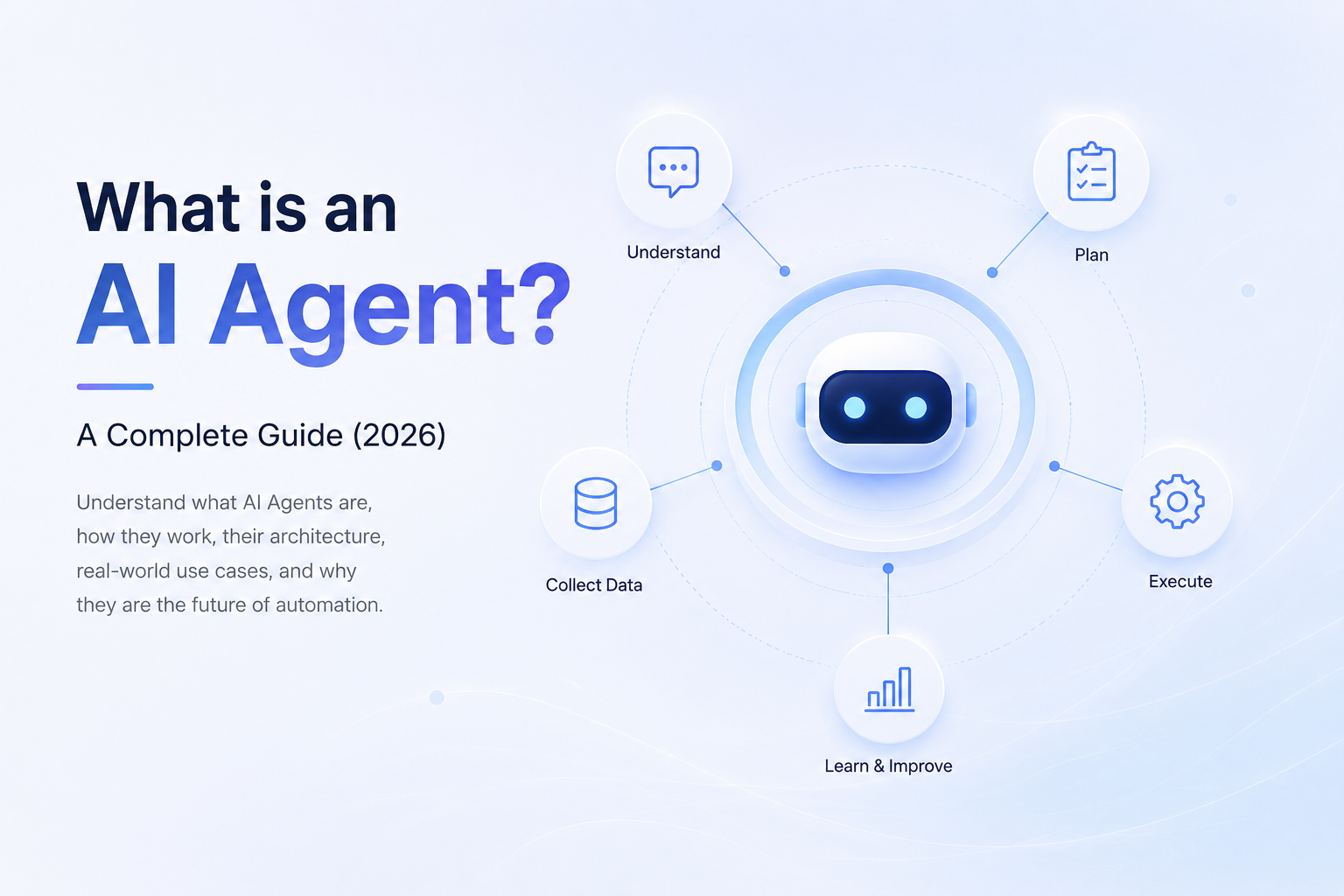
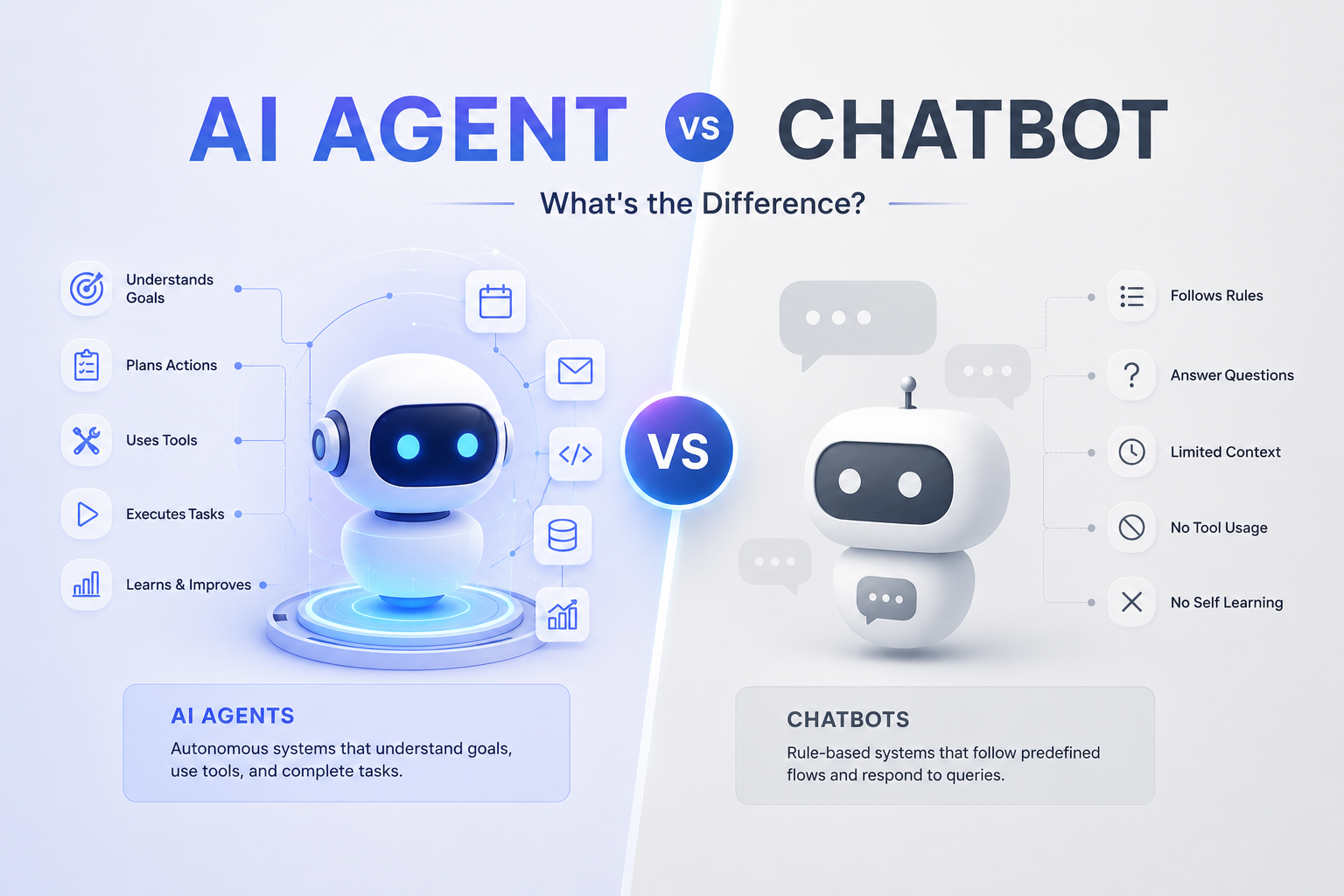
Building AI Agents
The OpenAI API is widely used for AI Agents.
Typical architecture:
User
↓
Agent
↓
Tools
↓
APIs
↓
Database
↓
LLM
↓
Response
AI Agents can:
- Search databases
- Call APIs
- Schedule meetings
- Update CRMs
- Generate reports
- Automate workflows
---
OpenAI API + RAG
Many businesses combine the API with Retrieval-Augmented Generation (RAG).
Workflow:
User Question
↓
Embedding Search
↓
Vector Database
↓
Relevant Documents
↓
OpenAI API
↓
Answer
This enables AI to answer questions using private business knowledge.
---
Security Best Practices
When building production applications:
- Never expose API keys publicly.
- Store secrets in environment variables.
- Validate user input.
- Implement rate limiting.
- Monitor API usage.
- Restrict backend access.
- Log errors securely.
Security is essential for enterprise deployments.
---
Performance Optimization
To improve speed and reduce costs:
- Use concise prompts.
- Reuse conversation context wisely.
- Stream responses when appropriate.
- Cache repeated results.
- Limit unnecessary tokens.
- Optimize prompt design.
Efficient prompts improve both response quality and cost.
---
Common Mistakes
Developers often make these mistakes:
- Exposing API keys in frontend code
- Sending excessively long prompts
- Ignoring token limits
- Not handling API errors
- Forgetting retries
- Using the wrong model for the task
- Poor prompt engineering
Avoiding these mistakes leads to more reliable AI applications.
---
Real-World Use Cases
Businesses use the OpenAI API for:
Customer Support
AI answers support questions instantly.
---
AI Coding Assistants
Developers receive code generation and debugging help.
---
CRM Automation
AI extracts customer information and updates records automatically.
---
Healthcare
Medical assistants summarize clinical notes and patient conversations.
---
Legal
AI reviews contracts and summarizes legal documents.
---
Education
AI tutors provide personalized learning experiences.
---
Future of the OpenAI API
The OpenAI API continues to evolve rapidly.
Future capabilities are expected to include:
- Smarter AI Agents
- Improved reasoning
- Better multimodal understanding
- Enhanced voice interactions
- Longer context handling
- Deeper enterprise integrations
- More powerful automation workflows
Developers who learn the OpenAI API today will be well positioned to build the next generation of AI-powered software.
---
Final Thoughts
The OpenAI API has made advanced Artificial Intelligence accessible to developers of all skill levels.
From simple chatbots to enterprise AI Agents and intelligent automation platforms, it provides the building blocks needed to create modern AI applications.
Understanding authentication, messaging, streaming, function calling, structured outputs, and best practices will help you build scalable and reliable AI solutions.
Whether you're creating your first AI project or deploying enterprise software, mastering the OpenAI API is an essential step in modern AI development.
---
Ready to Build with the OpenAI API?
At WyndrelLabs, we help startups and enterprises build production-ready AI solutions using the OpenAI API.
From AI chatbots and RAG systems to Voice AI, workflow automation, and enterprise AI Agents, our team designs secure, scalable applications tailored to your business.
Book a free consultation today and discover how the OpenAI API can power your next AI product.